度身訂造適合您的網站,已成功設計 6000+ 公司網站,大量客戶真實好評
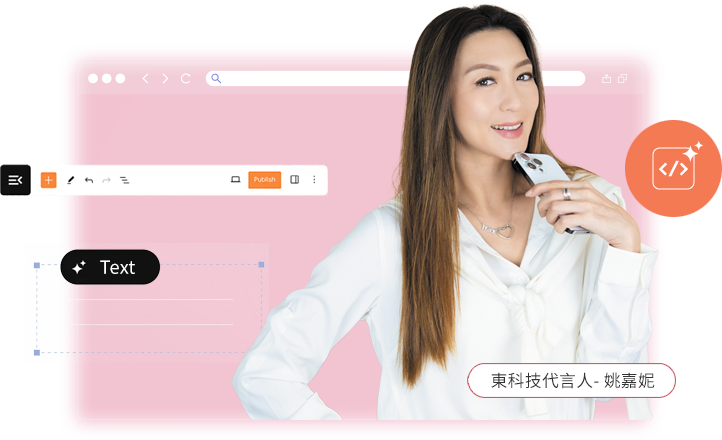

With the development of digitalization,websites have become a core tool for brands to communicate with users.Good website design is not just about aesthetics;it must also be user-friendly,searchable,and easy to maintain.This article explains the basics and practical applications in the simplest and most understandable way,helping you get started quickly.
Web design is a professional field encompassing multiple areas,integrating design aesthetics,user experience,front-end and back-end technology,and project management.A successful website is not just about"looking good,"but also about comprehensively considering usability,functionality,performance,and maintainability.
User Experience(UX)
User-centric design with simple processes and intuitive operation,allowing users to quickly find the information they need.
Visual Design
Color scheme,layout,and images maintain a unified style,aligning with the brand image and capturing user attention at first glance.
Interface Design(UI)
Intuitive operation of buttons,menus,and forms,supporting various devices such as mobile phones and computers.
Information Architecture
Clear menu categorization and intuitive navigation allow users to find content without guesswork.
Interactivity
Appropriate animations,form feedback,and personalized recommendations enhance the user experience and engagement.
Skills
Basic:HTML(skeleton),CSS(styles)
Advanced:JavaScript(interaction),SEO(search engine optimization)
Tools
Design:Figma(online prototyping,UI design,beginner's first choice)
Development:PHP programming
Auxiliary:Browser debugging tools,image compression tools
1.Clarify Requirements
Determine the website's purpose,target users,and essential functions(official website,e-commerce,blog).
2.Choose a Website Building Method
Beginner's Priority:CMS,online website building platforms,fast and stable.
3.Design and Development
Draw wireframes→Create clickable prototypes→Visual design→Front-end implementation.
Test and Deploy
Test mobile/computer compatibility,functionality,and security.Release only after confirming everything is correct.
Maintenance and Optimization
Regularly update content,optimize speed,patch security vulnerabilities,and analyze user data.
From clarifying requirements to design,development,testing,and maintenance,every step affects the final quality and value of the website.For designers,continuously learning new technologies and maintaining sensitivity to user needs are key to becoming an excellent web designer.
Corporate Websites
Key Points:Professional image,clear information,convenient contact,responsive mobile adaptation.
E-commerce Websites
Key Points:Concise processes,clear product information,secure payment,smooth filtering and search.
Blog/Content Website
Key Features:Easy-to-read layout,clear categorization,SEO optimization,and comprehensive comment and sharing functions.
V.Beginner's Guide:Avoiding Pitfalls
Learn basic HTML and CSS first;don't rush into complex frameworks.
Don't strive for perfection the first time;complete first,then optimize.
Prioritize mobile user experience;most users will automatically install the device.
Click to see excellent web design examples
We hope this article helps you design web pages more systematically and helps you stand out from the competition!If you need professional assistance,please contact us;our web design team will provide you with customized solutions!
(Copyright reserved.Please indicate the source when reprinting.)
Old‑fashioned interface or broken mobile display? East Tech web development team handles site revamp, optimise website design & website creation for better user experience.
WhatsApp Enquiry